
In This Article
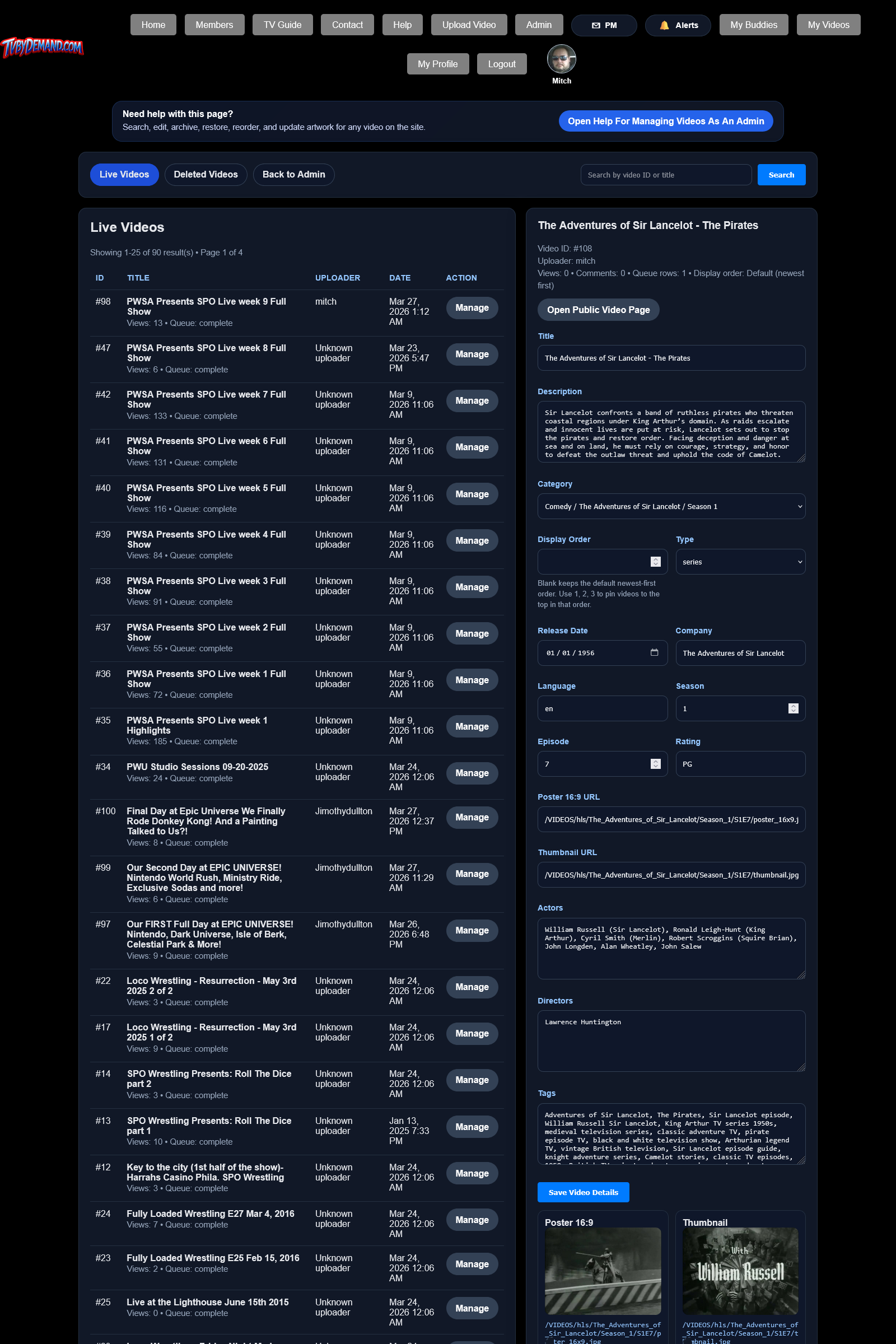
Updating artwork
- Open the video in My Videos or Manage Videos.
- Drag and drop a poster or thumbnail, paste an image, or browse for a file.
- Save the video details so the new artwork is written to the video folder and the metadata is updated.
Artwork behavior
- Poster and thumbnail files are stored with the video assets so the package stays together.
- Preview images may use cache-busting values so the browser shows the latest file after save.
- Unsupported or invalid image uploads are rejected instead of replacing the artwork silently.
Keywords
Related Help
Still Need Help?
If this article did not answer what you needed, the fastest next step is to contact staff or PM an admin from your account.