
In This Article
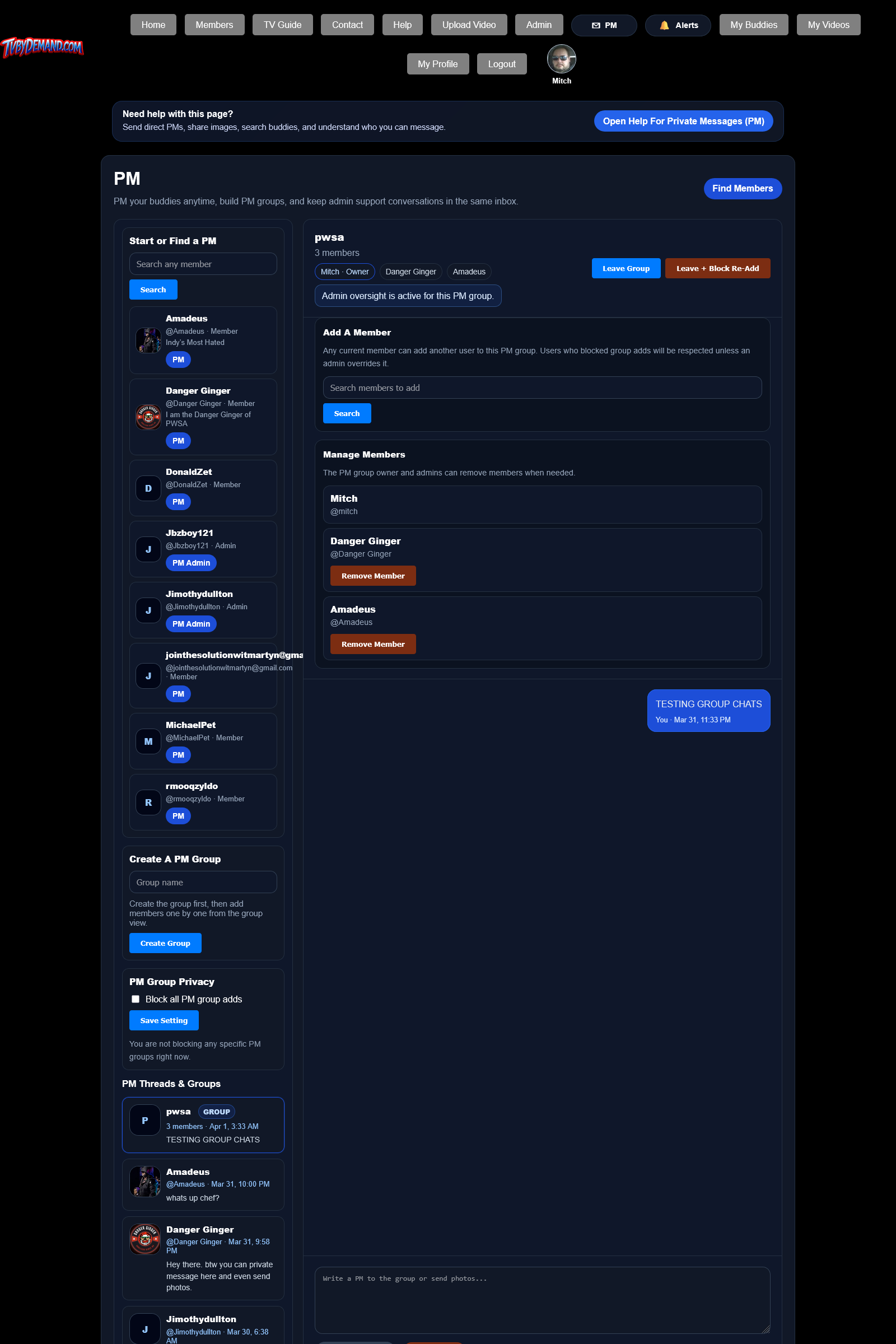
How group PMs work
Group PMs let multiple members talk in the same thread. Current members can add another user to the group.
Group messages share the same secure attachment system as direct PMs, so images can be used in group conversations too.
Leaving and blocking re-adds
- You can leave a group when you no longer want to participate.
- You can also leave and block that specific group from adding you again.
- There is also a global setting to block all PM group add requests if you do not want to be pulled into groups at all.
Keywords
Related Help
Still Need Help?
If this article did not answer what you needed, the fastest next step is to contact staff or PM an admin from your account.