
In This Article
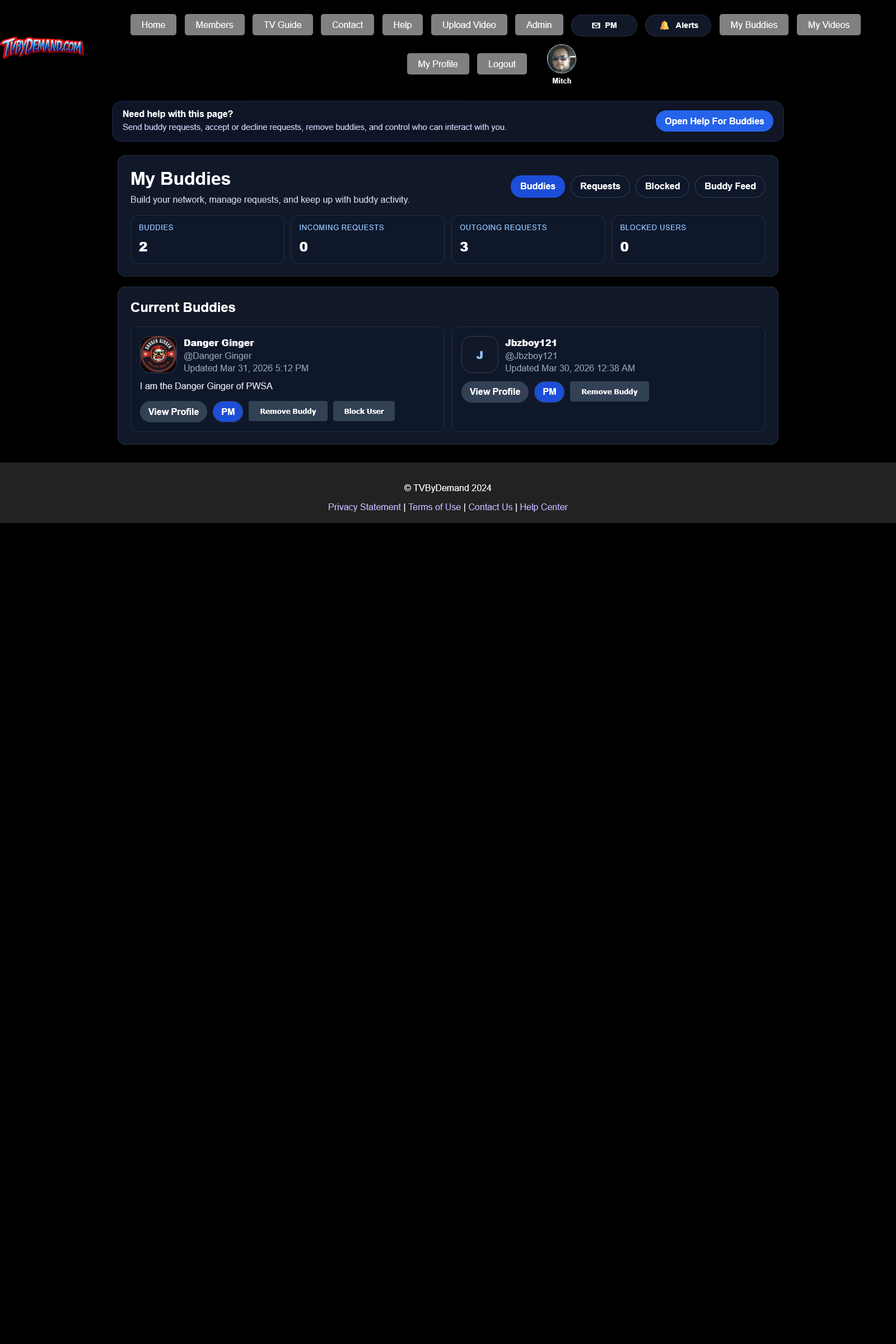
Sending and managing requests
- Send a buddy request from a profile or member card.
- Optionally include a short request note so the other person knows who you are.
- Use My Buddies to accept, decline, unsend, or remove relationships.
Blocking and feed behavior
- You can block another normal user to stop buddy requests and PM interaction.
- Blocking also breaks the buddy relationship if you were already connected.
- Admins cannot be blocked through the normal user tools.
- The Buddy Feed shows uploads and comment activity from accepted buddies.
Keywords
Related Help
Members Directory
Find people by username, display name, or profile details, even if they have never uploaded a video.
Private Messages (PM)
Send direct PMs, share images, search buddies, and understand who you can message.
Notifications And Alerts
Track replies, PMs, moderation actions, buddy activity, and other events through the site alert system.
Still Need Help?
If this article did not answer what you needed, the fastest next step is to contact staff or PM an admin from your account.