
In This Article
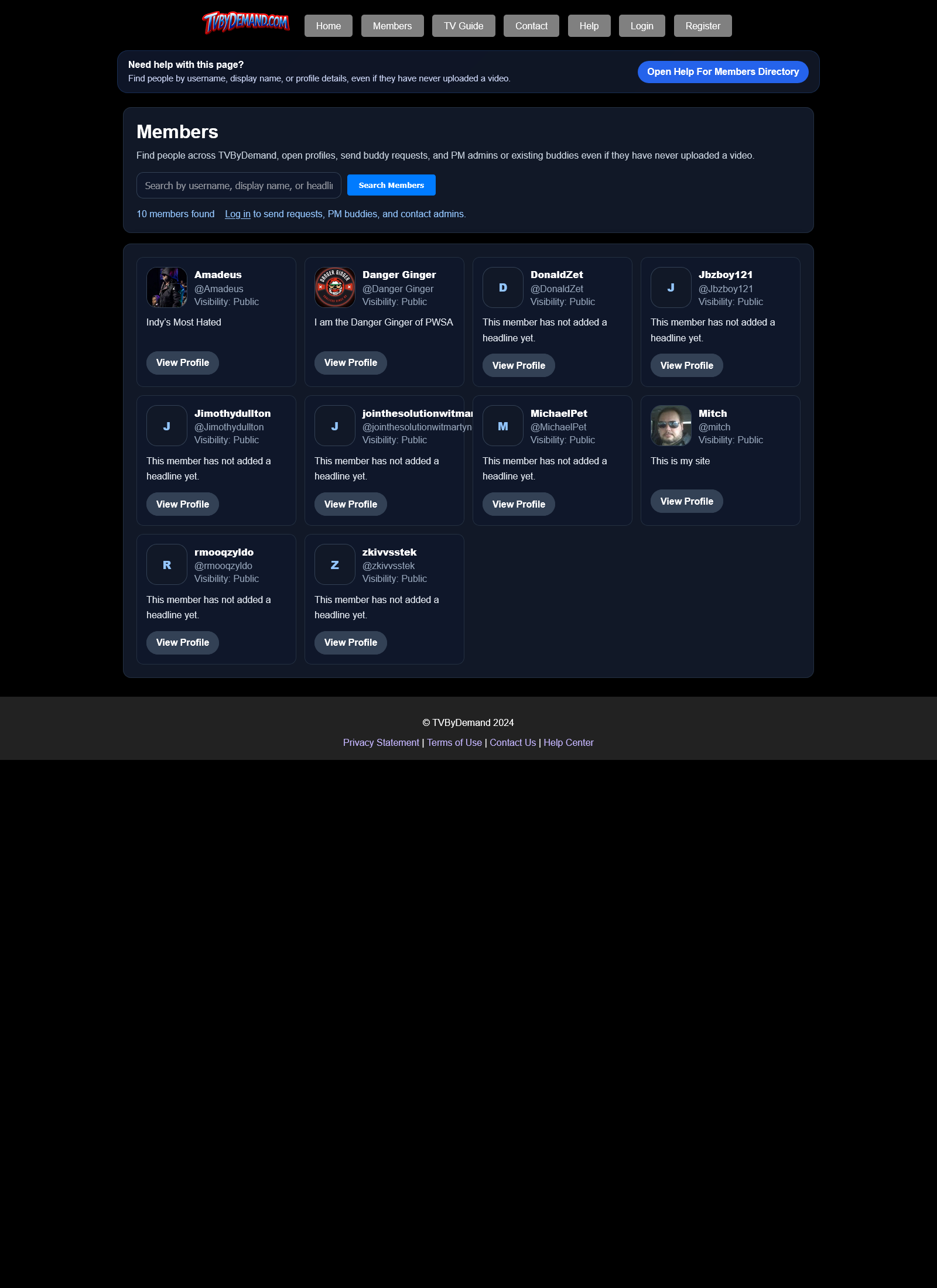
Searching for members
- Open Members from the top menu.
- Search by username, display name, or headline.
- Open a member profile, send a buddy request, or PM an admin from the member card when allowed.
Visibility rules
- Public profiles can appear to guests.
- Profiles with tighter visibility settings may not be open to everyone.
- Banned or deleted accounts are hidden from the normal member directory.
Keywords
Related Help
Profiles And Profile Privacy
Create a profile, upload a profile photo, manage work and school history, and control who can view your page.
Buddies
Send buddy requests, accept or decline requests, remove buddies, and control who can interact with you.
Private Messages (PM)
Send direct PMs, share images, search buddies, and understand who you can message.
Still Need Help?
If this article did not answer what you needed, the fastest next step is to contact staff or PM an admin from your account.