
In This Article
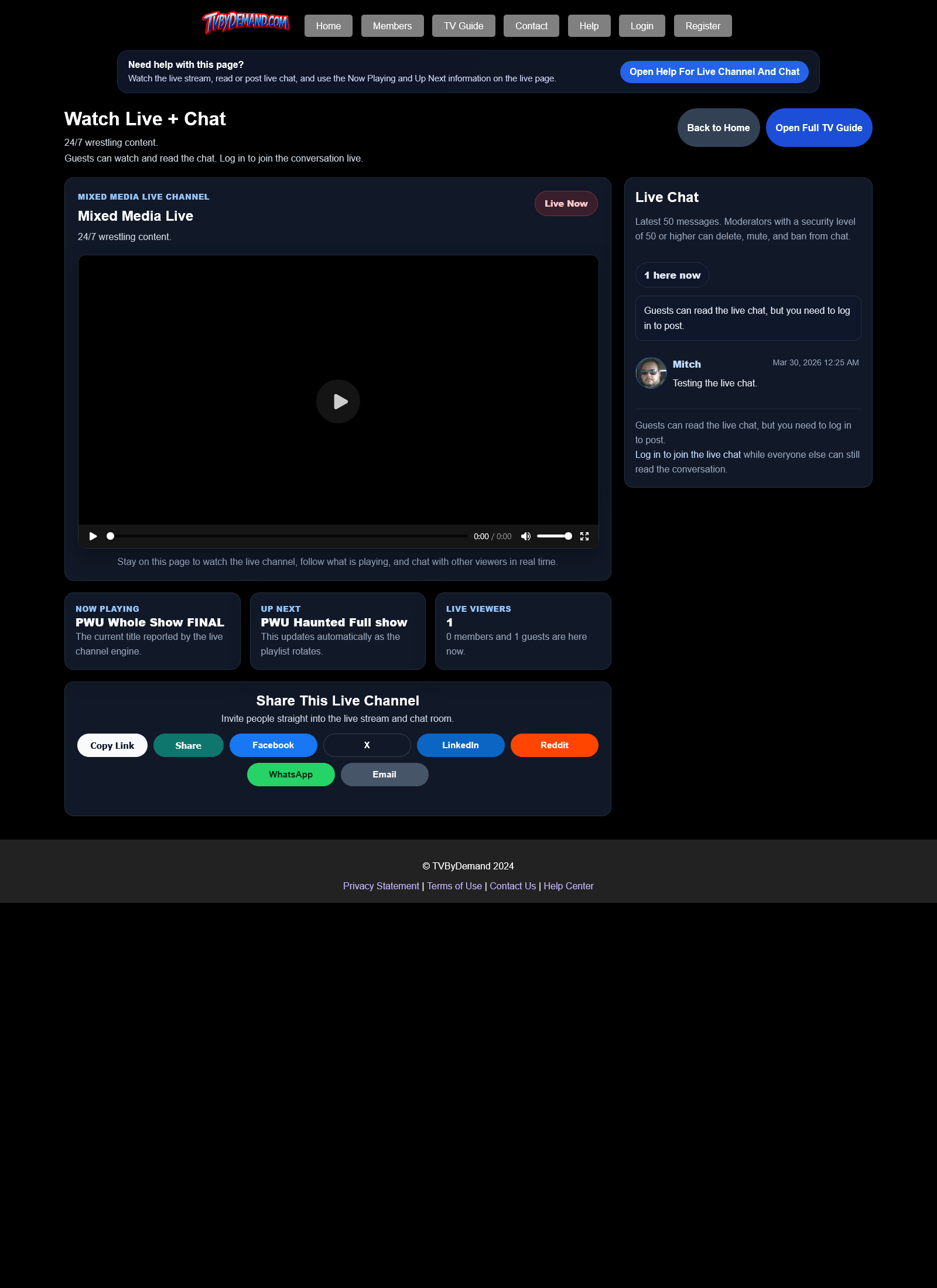
What the live page includes
The live page puts the stream on the left and chat on the right, along with viewer counts, share options, and Now Playing and Up Next information.
Guests can read chat. Logged-in members can post chat messages when they are not muted or banned from chat.
Things to remember
- Chat uses profanity filtering and moderation tools.
- Admins or moderators with the right permission level can delete messages, mute users, or ban them from chat.
- The live guide and full live page work together, so if you want more context for what is airing, open the TV Guide page too.
Keywords
Related Help
Still Need Help?
If this article did not answer what you needed, the fastest next step is to contact staff or PM an admin from your account.