
In This Article
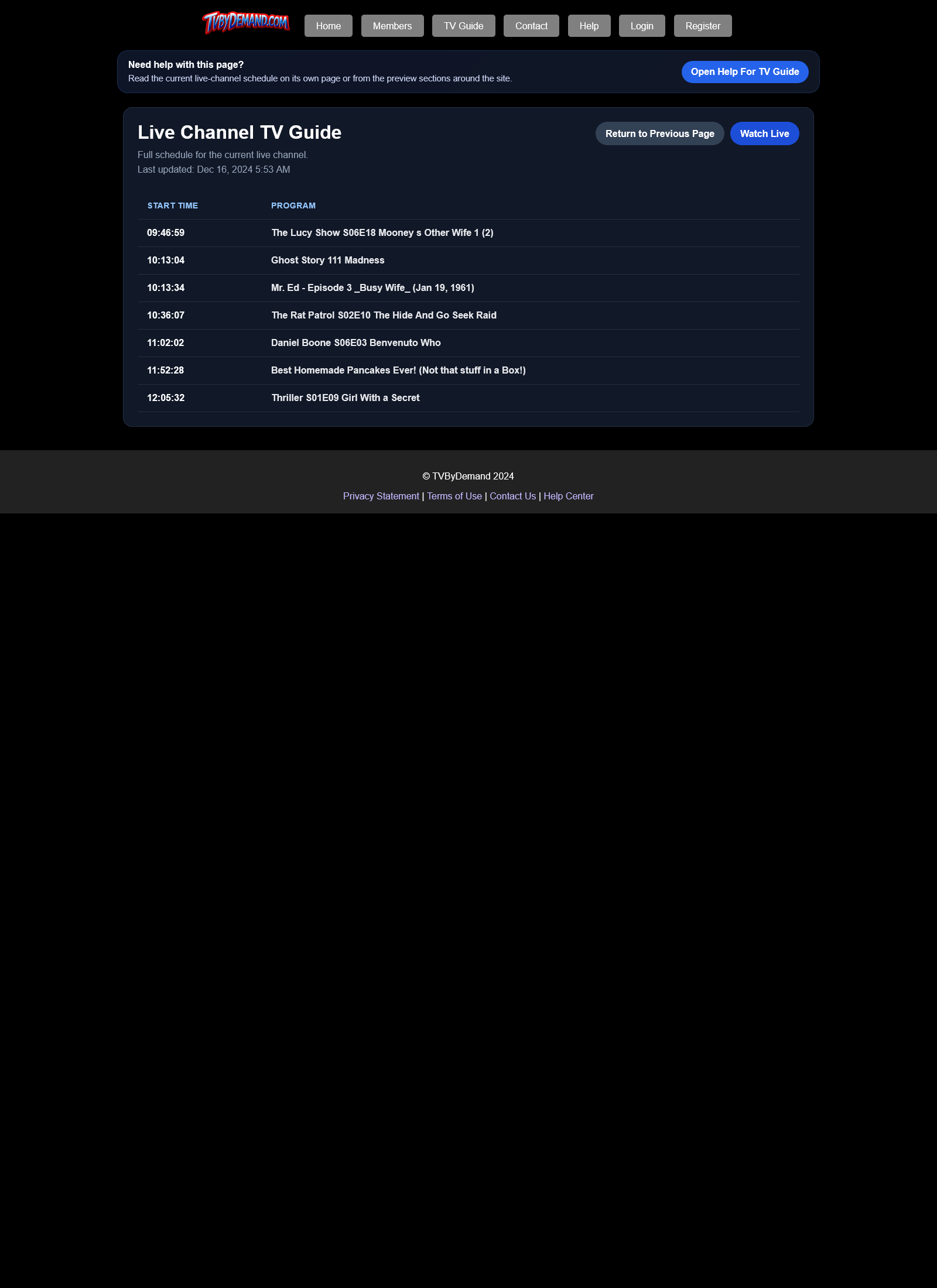
How to use the guide
- Open TV Guide from the top menu.
- Review what is on the live channel and what is coming next.
- Use the return button to go back to the page you came from.
Where the guide data comes from
The guide page reads the same live guide include that powers the home page preview and the live experience, so the information stays consistent across the site.
Keywords
Related Help
Still Need Help?
If this article did not answer what you needed, the fastest next step is to contact staff or PM an admin from your account.