
In This Article
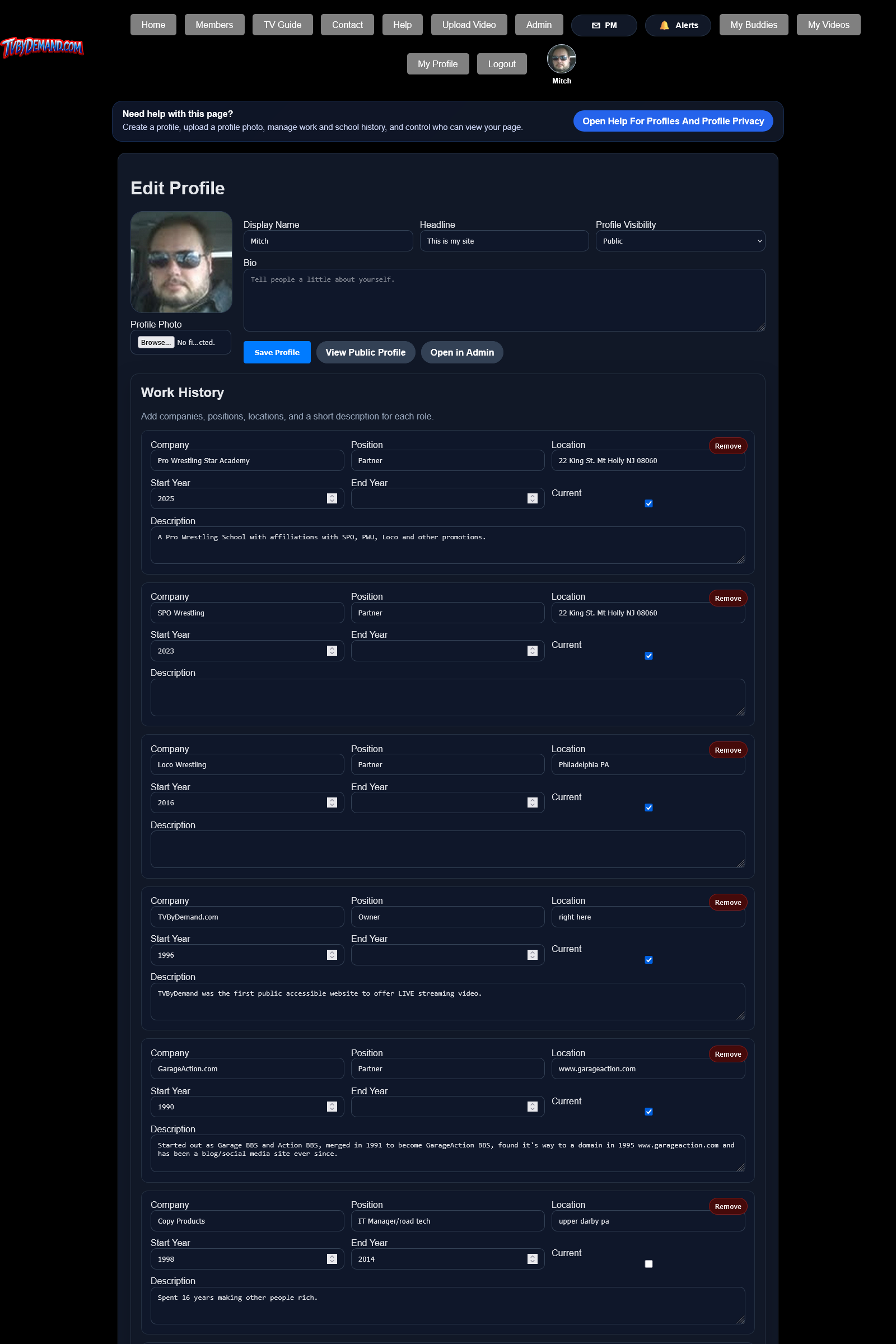
What your profile can include
- Profile photo, display name, headline, and bio.
- Work history, school history, and living history.
- Recent uploads, comments, and activity when available.
Privacy choices
- Open your profile edit page.
- Choose whether your profile is public, logged-in only, or admins only.
- Save your changes and check your public profile view if you want to confirm how it looks.
Keywords
Related Help
Members Directory
Find people by username, display name, or profile details, even if they have never uploaded a video.
Buddies
Send buddy requests, accept or decline requests, remove buddies, and control who can interact with you.
Notifications And Alerts
Track replies, PMs, moderation actions, buddy activity, and other events through the site alert system.
Still Need Help?
If this article did not answer what you needed, the fastest next step is to contact staff or PM an admin from your account.