
In This Article
Fast things to try
- Hard refresh the page once to make sure the latest player logic loads.
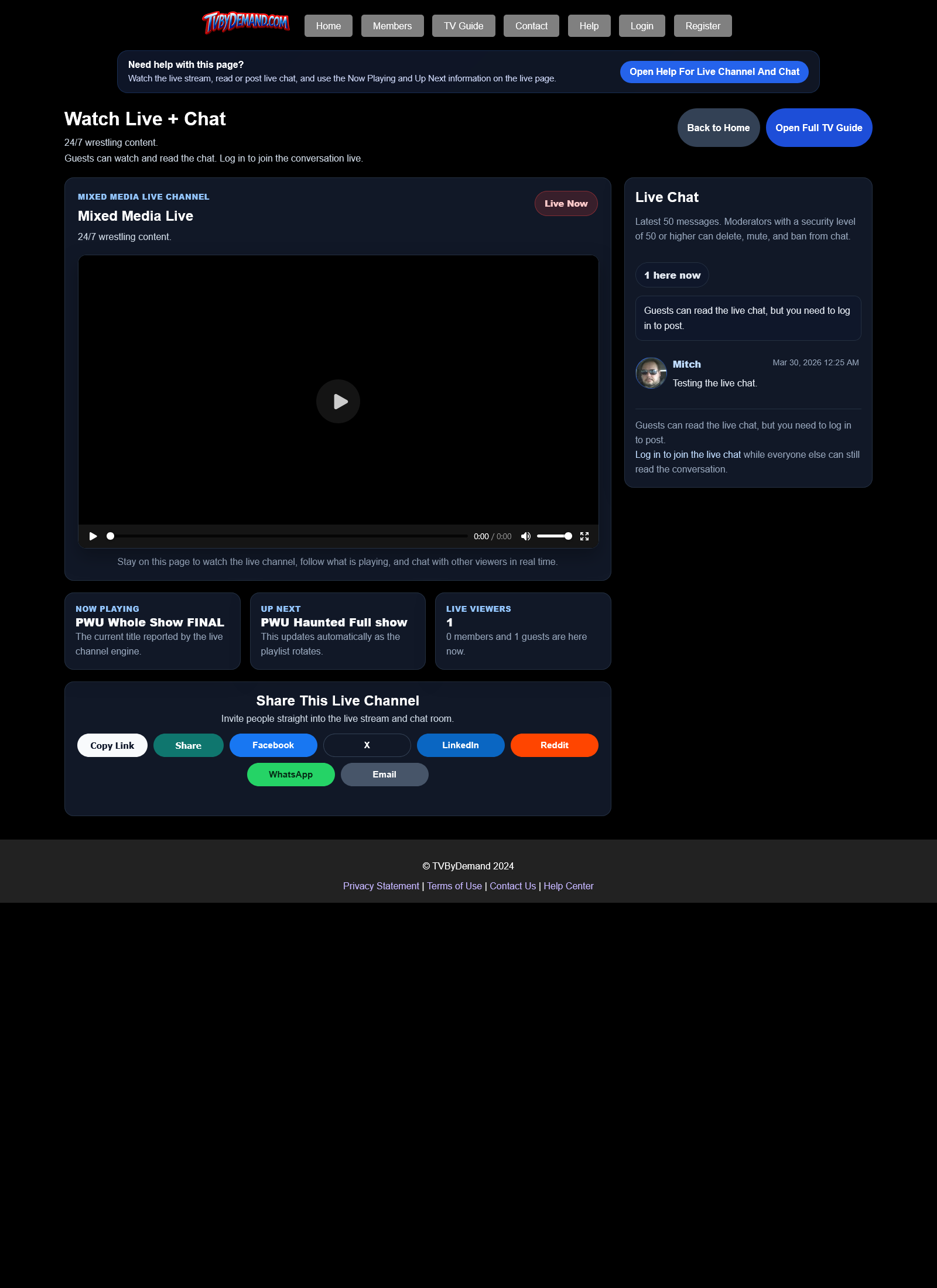
- Try the full Live + Chat page if the smaller home-page live player buffers.
- Wait a moment for the player to recover to a safer quality level on mobile.
If the stream still will not play
- Try another device or network to see whether the problem follows the stream or the device.
- If only one phone or browser is failing, include that device model and browser when reporting the issue.
- If the guide updates but the player never starts, the problem is usually on the playback side rather than the schedule data side.
Keywords
Related Help
Still Need Help?
If this article did not answer what you needed, the fastest next step is to contact staff or PM an admin from your account.